Workouts written for you, logged in a tap.
Each session is built around your equipment and anything you are working around. You pick the day and how long you have; the app writes the rest and remembers your weights.
How to do it
What to tap, in order, with a film of it being done where there is one.
Step 03
Start a workout
You never have to decide what to do. Pick the day, say how long you have, and the coach writes the session around your equipment and what you have already trained this week.
- 1Tap “Start a workout”.
- 2Pick the day. Each one says what it trains, and any order is fine.
- 3Choose “Full workout”, or the shorter one if you are pressed for time.
Step 04
Log your sets
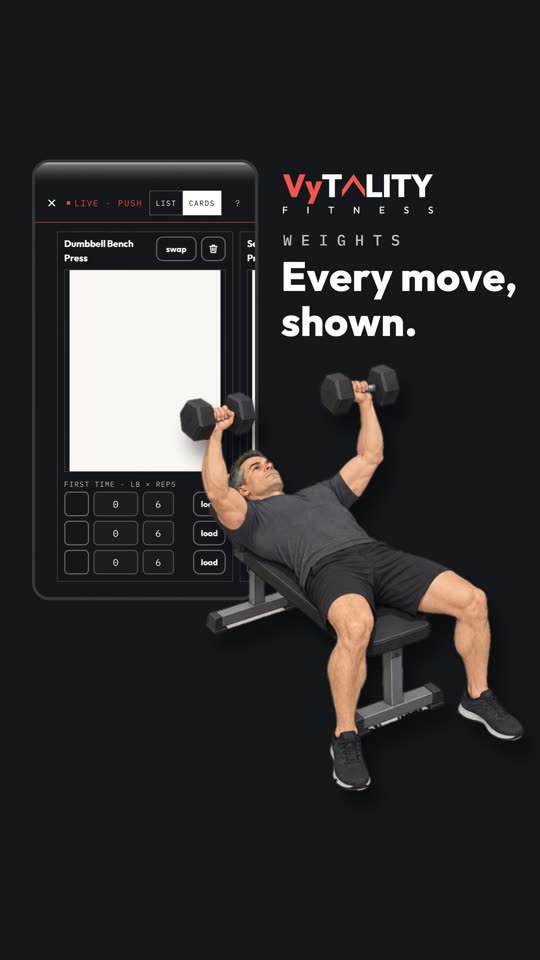
Do the set, then tick it. The weight and reps from last time are already filled in, so most sets are one tap. Every movement has a demonstration if you are not sure of it.
- 1Do the set, then tap its tick.
- 2Tap the weight or the reps to change them if today was different.
- 3When you are done, tap “Finish workout” and say how it felt.
Step 05
Swap an exercise
Rack taken, or a movement that does not suit today? Swap it for one that trains the same thing. The week counts it the same.
- 1Tap “swap” on any movement you have not started.
- 2Tap again to see the next option. It cycles back round.
- 3Log it like any other.